Enclave - a real app on CognitoApi
Enclave is a secure file-sharing app that delegates all of its authentication to CognitoApi - sign-up with mandatory TOTP MFA, login, and a token-protected dashboard. It's a real product, not a toy demo, and it talks to CognitoApi with nothing but a Bearer token (no API key).
What's inside
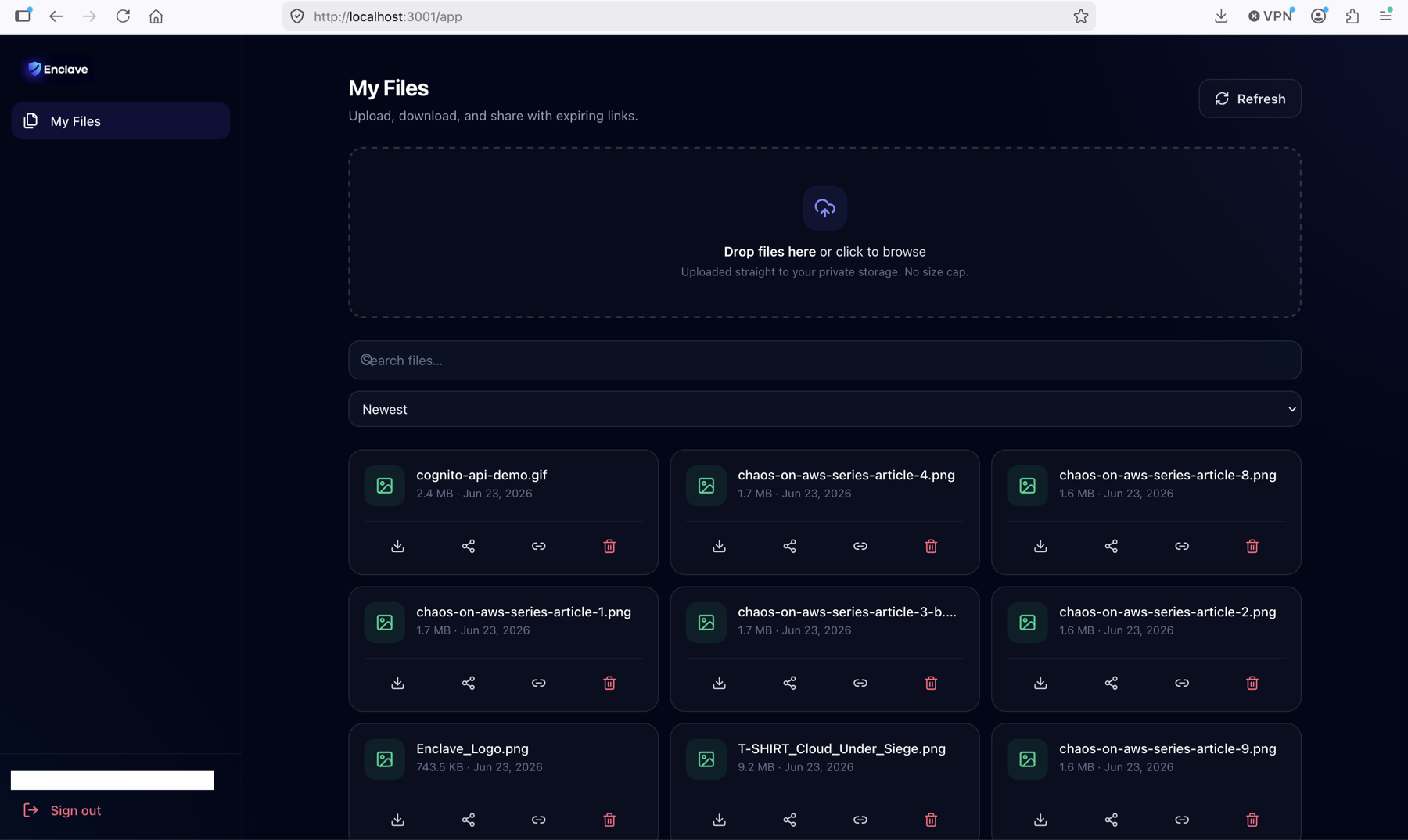
A polished, dark-mode app: a public landing + auth screens (sign-up, MFA, login) backed by CognitoApi, then a token-protected dashboard for uploading, sharing and managing files.
Sign-up wizard
Three steps - account details, email confirmation with the temporary password, then a scannable TOTP QR. MFA is mandatory.
POST /v1/usersPOST /v1/users/{id}/confirmPOST /v1/users/{id}/confirm-mfaLogin + MFA
Password first, then a 6-digit TOTP code to complete the challenge and receive tokens.
POST /v1/loginPOST /v1/mfa-verifySession & profile
Live profile pulled from /userinfo - name, email, phone, user id and groups - plus silent token refresh and sign-out.
GET /v1/userinfoPOST /v1/refresh-tokenPOST /v1/logoutUpload & store
Drag-and-drop uploads that stream straight to S3 via presigned URLs (live progress), with optional per-user KMS encryption.
POST /v1/users/{id}/filesPOST .../files/{file_id}/completeShare & download
Short-lived (1 h) presigned download links; share a file with anyone by email via SES.
GET .../files/{file_id}/downloadPOST .../files/{file_id}/shareLibrary & delete
A type-aware file library with search and sort; delete permanently removes the object from S3.
GET /v1/users/{id}/filesDELETE .../files/{file_id}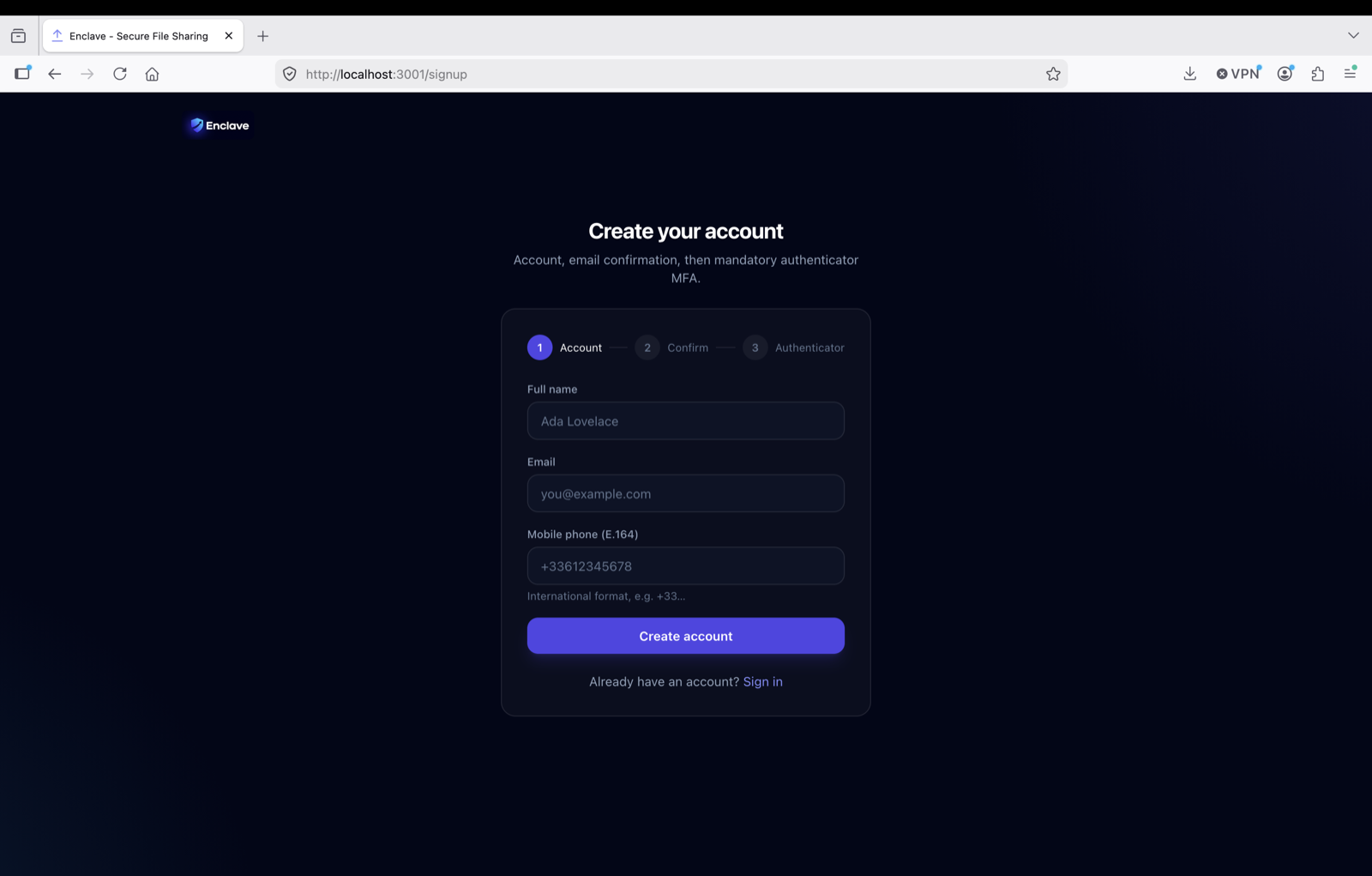
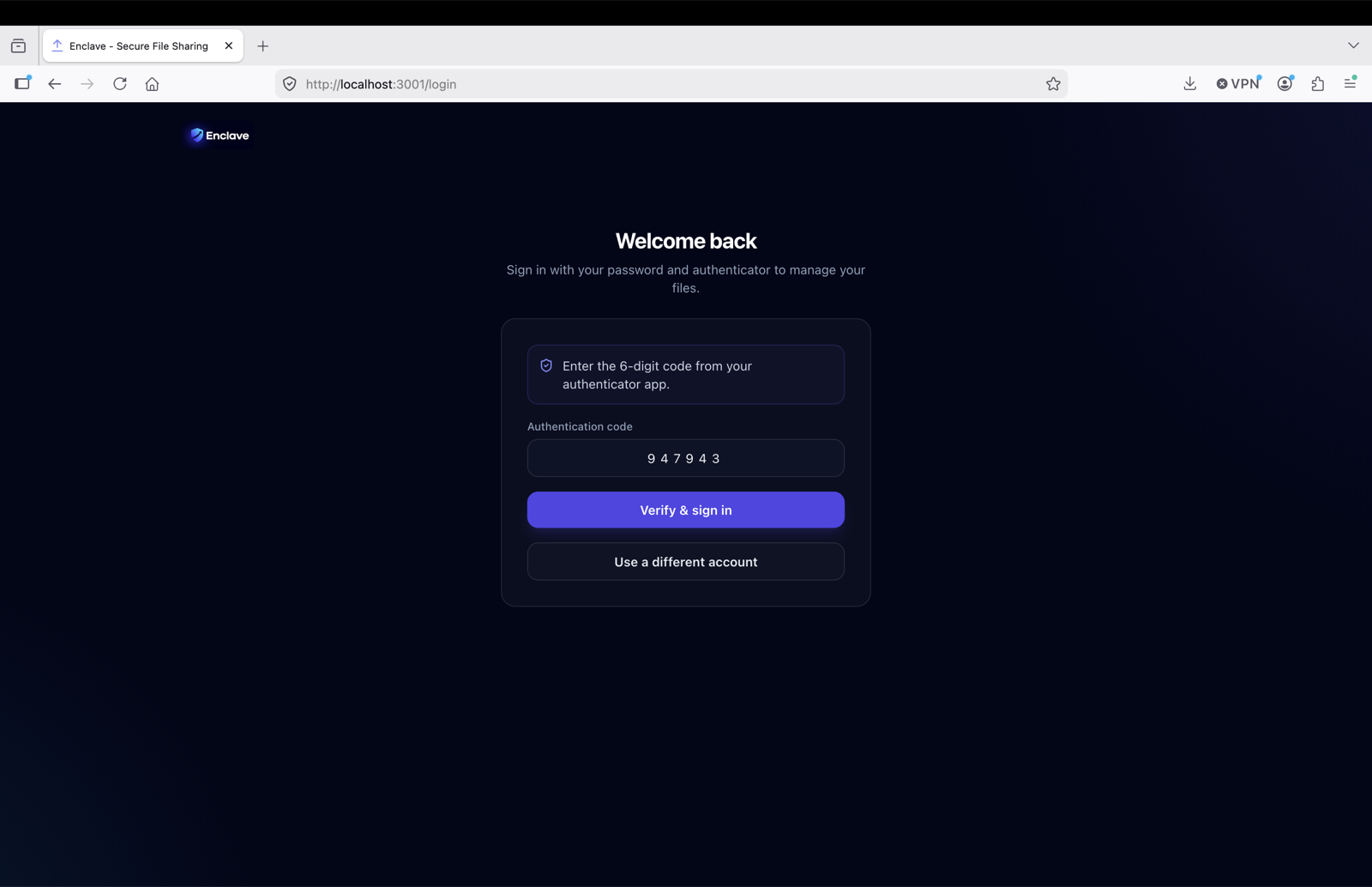
Enclave enforces mandatory TOTP MFA on the CognitoApi side. CognitoApi also supports passkeys (WebAuthn) - Enclave's web app sticks to TOTP, but the API reference documents the full passkey flow.
Configure & run
Enclave is a backend-agnostic microservice client: its dependencies are wired in at build time via env vars. Clone it, point it at your CognitoApi (and File API), and go.
1 - Run it locally
git clone https://github.com/TocConsulting/enclave.git
cd enclave/web
npm install
cp .env.example .env.local   # fill in your endpoints
npm run dev                  # http://localhost:3001
2 - Point it at your API
Set the endpoints in .env.local (local dev) or in CI before npm run build. No API key - CognitoApi is keyless:
# .env.local  (baked in at build time - no runtime "connect" step, no API key)
VITE_AUTH_URL=https://auth.example.com    # your CognitoApi deployment
VITE_FILE_URL=https://files.example.com   # the Enclave File API (omit if same gateway)
How it talks to CognitoApi
The entire auth client is a thin fetch wrapper that adds a Bearer token on protected routes. No SDK, no axios, no API key.
// src/api/authApi.js - the whole CognitoApi client is one fetch wrapper
async function request(method, path, { body, token } = {}) {
  const { authUrl } = getConfig();
  const headers = { "Content-Type": "application/json" };
  if (token) headers["Authorization"] = `Bearer ${token}`;   // no x-api-key
  const res = await fetch(`${authUrl}/v1${path}`, {
    method, headers, body: body ? JSON.stringify(body) : undefined,
  });
  const data = await res.json().catch(() => null);
  if (!res.ok) throw Object.assign(new Error(data?.error_message || "Request failed"), { status: res.status });
  return data;
}
Stack: React 19 · Vite · Tailwind · React Router. Full source on GitHub.
Deploy to AWS
The build is a static dist/ - host it anywhere. For a production-grade setup, the Enclave README ships a complete, copy-pasteable recipe.
Quick start
S3 + CloudFront + ACM + Route53
- 1Build the static site (npm run build) with VITE_AUTH_URL / VITE_FILE_URL baked in.
- 2Request an ACM certificate for your domain and DNS-validate it through Route53.
- 3Create a private S3 bucket (public access blocked) and upload dist/.
- 4Front it with CloudFront using Origin Access Control + the ACM certificate.
- 5Add custom error responses 403/404 -> /index.html (200) so React Router deep links work.
- 6Point a Route53 alias record at the CloudFront distribution.
- 7Add the domain to the backend allowed_origins and re-run make apply so S3 CORS permits it.
CloudFront serves HTTPS, so the app is a secure context everywhere it's deployed. Redeploys are just aws s3 sync + a CloudFront invalidation.
SES email (sandbox)
CognitoApi emails temporary passwords and recovery codes, and Enclave emails share links - both via SES. While your SES account is in the sandbox, verify each address you test with (in the same region as your API):
aws ses verify-email-identity --email-address you@example.com --region eu-west-1
# click the verification link, then confirm:
aws ses get-identity-verification-attributes --identities you@example.com --region eu-west-1
Verify a whole domain, or request production access, to send to anyone.